Quotes Batch
Are you after a lot of data fast? Our quotes batch feature allows you to apply the quote data type to a range of codes at the same time. This returns the data significantly faster than individual functions and counts as 1 data call per 10 symbols, rounded up, against your daily quota. The functionality is simple, just use the SF() function as you normally would but instead of applying it to a single cell use it on a vertical range like so:
=SF(A1:A100)

[multi-cell array of quotes]
Note: The quote data type was formerly named realTime. Existing formulas that use "realTime" keep working indefinitely, and "quote" is the current name for the same data. For single-symbol quotes, see Quotes.
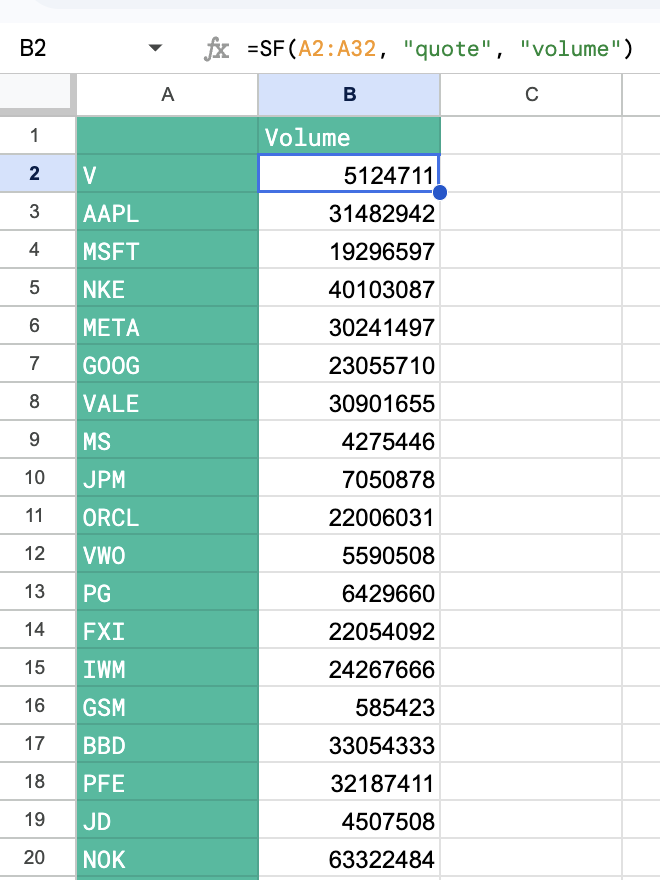
All quote subtypes such as volume, dayHigh, dayLow etc... work with the batch functionality like so:
=SF(A1:A100, "quote", "volume")

[multi-cell array of quote volumes]
You can even chain together metrics to return 1000s of data points at once:
=SF(A1:A100, "quote", "price&volume&dayHigh&dayLow&previousClose&changesPercentage")Important: Does not identify individual errors and so if data is not available for a particular code in your range it will just return a blank cell.
Examples
Example 1 - Batch price
=SF(A2:A24)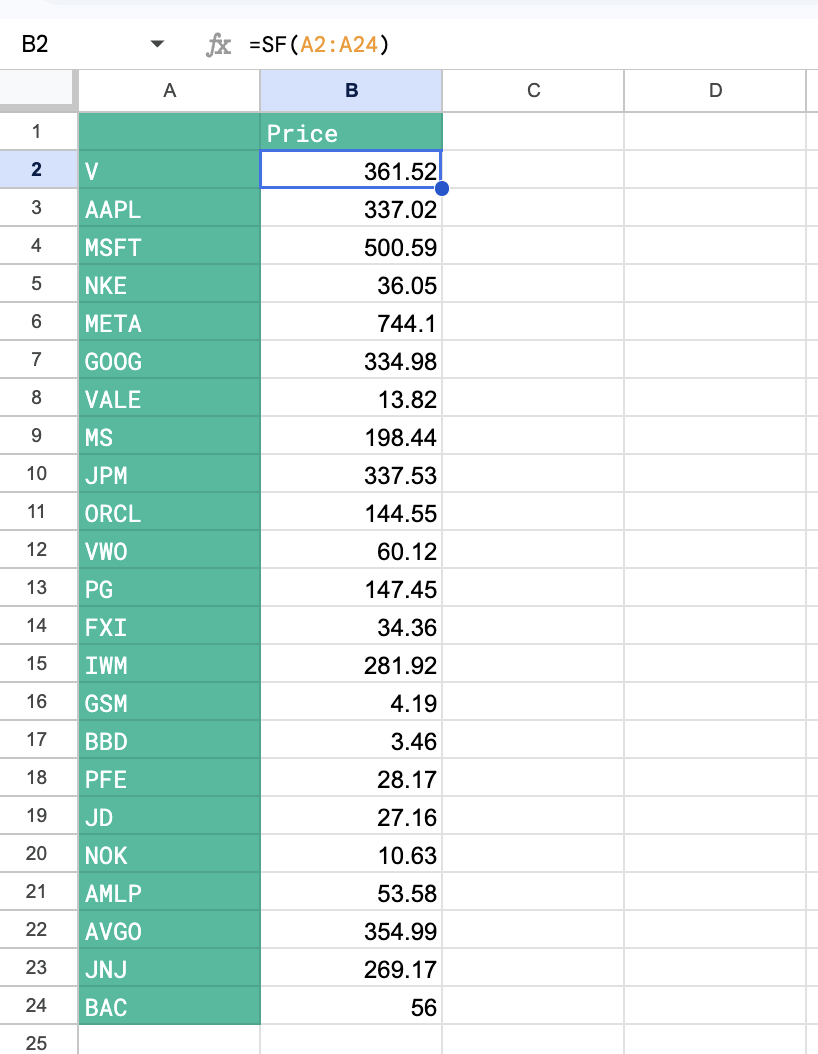
Example 2 - Batch multiple metrics
Use just 1 function to call multiple metrics on 100s of stocks at once!
=SF(A2:A24, "quote", "price&volume&dayHigh&dayLow&previousClose&changesPercentage")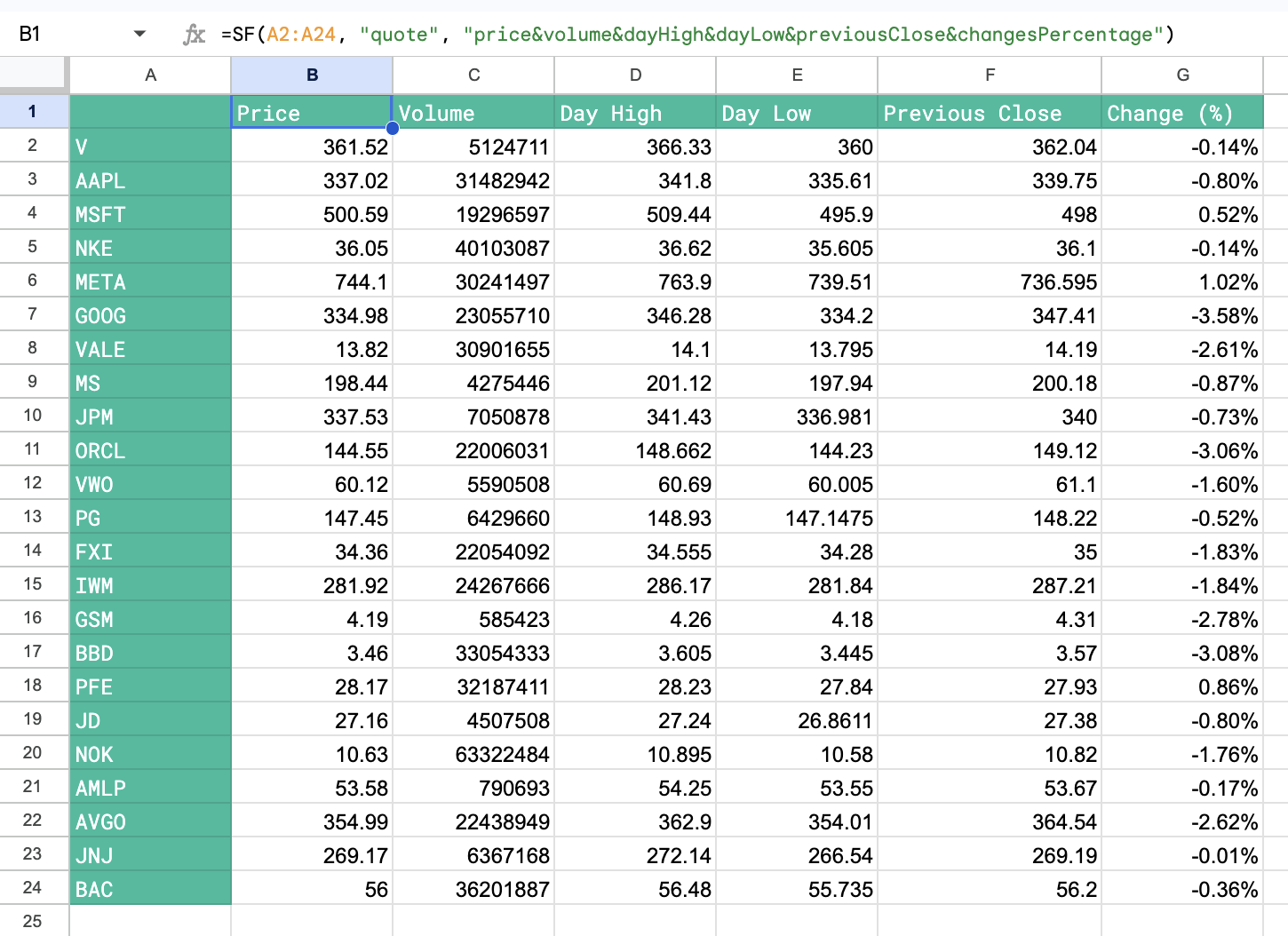
Example 3 - Batch single metric (volume)
=SF(A2:A32, "quote", "volume")