
Options Standard
Use SF_OPTIONS() to pull a current options chain for any US-listed stock or ETF, with every Greek, bid and ask detail, and implied volatility. You can return a whole chain for one expiration, the list of available expirations, or a single contract by its OCC symbol.
SF_OPTIONS() is included with Options Standard, and also works on Options Pro and during an Options trial. For historical chains, time series, IV rank, surfaces and earnings analytics, use SF_OPTIONS_PRO(), which needs Options Pro.
=SF_OPTIONS(symbol, type, metrics, expirationDate, options)Parameters
symbol: the underlying ticker, such as"AAPL", or a full OCC contract symbol, such as"AAPL261218C00200000", to return one contract. Use Symbol Search to find the right ticker.type:"calls","puts","calls&puts"or"expirationDates". Leave it blank for"calls&puts"."strikes"also works as"calls&puts". It is ignored whensymbolis a contract symbol.metrics: the columns to return. Leave it blank or use"all"for every column, or chain columns with&, such as"contractSymbol&strike&mid&delta".expirationDate: the expiration inYYYY-MM-DDformat, an Excel date serial, or a date-formatted cell. If the date is not an expiration, you get the next expiration after it. It is ignored whensymbolis a contract symbol.options: output and filter settings, chained with&. See Options.
Chains are 15-minute-delayed. Expiration dates must be today or later: SF_OPTIONS() returns an error for a past expiration, because past chains and expired contracts are part of SF_OPTIONS_PRO().
Metrics
SF_OPTIONS() returns the full current chain: 41 columns per contract. When you leave metrics blank, the first 13 columns keep their original order, so existing sheets do not shift.
Group | Metrics |
|---|---|
Contract |
|
Prices |
|
Activity |
|
Implied volatility |
|
Greeks |
|
Model and underlying |
|
Timestamps |
|
Options
Combine any of these in the options argument with &, such as "NH&range=ntm10".
"NH": removes the header row."-": reverses the output order."range=ntm10","range=ntm20"or"range=ntm50": returns only the 10, 20 or 50 strikes either side of the at-the-money strike."range=ntm"is the same as"range=ntm10", and"range=all"returns every strike."changeType=mid": calculateschangeandpercentChangefrom the mid price instead of the last value.
Examples
List the available expiration dates
Start here to find the expirations you can request.
=SF_OPTIONS("AAPL", "expirationDates")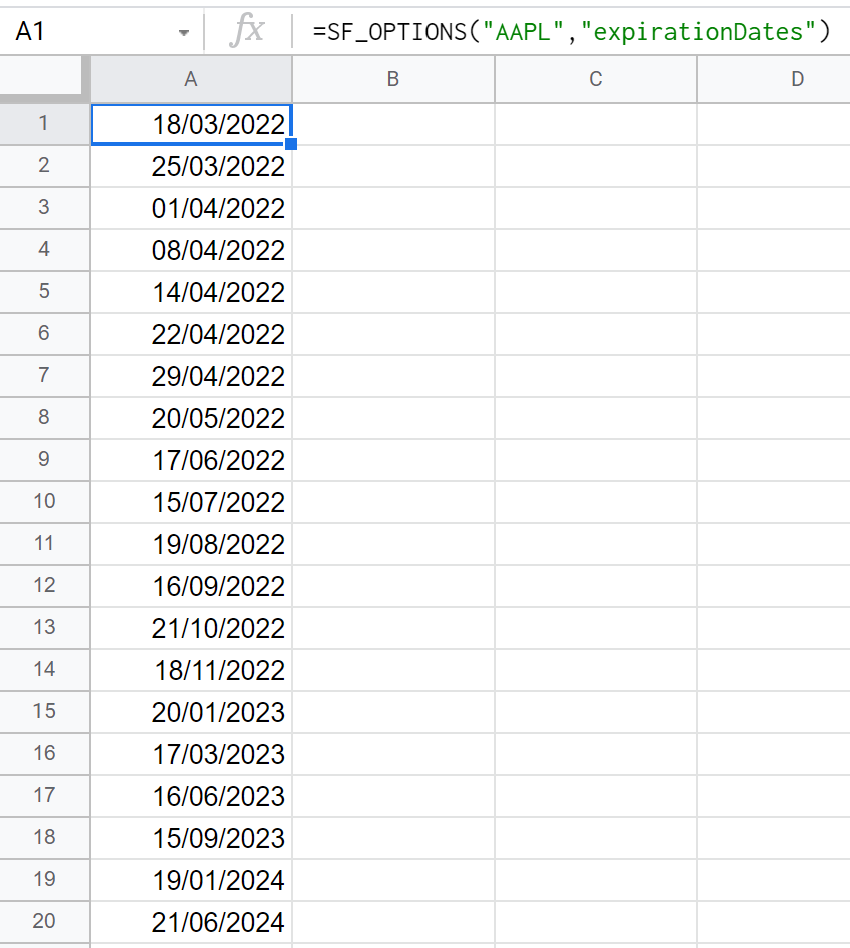
Pull a full chain with calls and puts
Returns every column for both sides of the chain on the chosen expiration.
=SF_OPTIONS("AAPL", "calls&puts", "all", "2026-12-18")Show selected columns near the money
Chain the columns you need and keep the 10 strikes either side of the money.
=SF_OPTIONS("AAPL", "calls", "contractSymbol&strike&mid&impliedVolatility&delta&theta", "2026-12-18", "range=ntm10")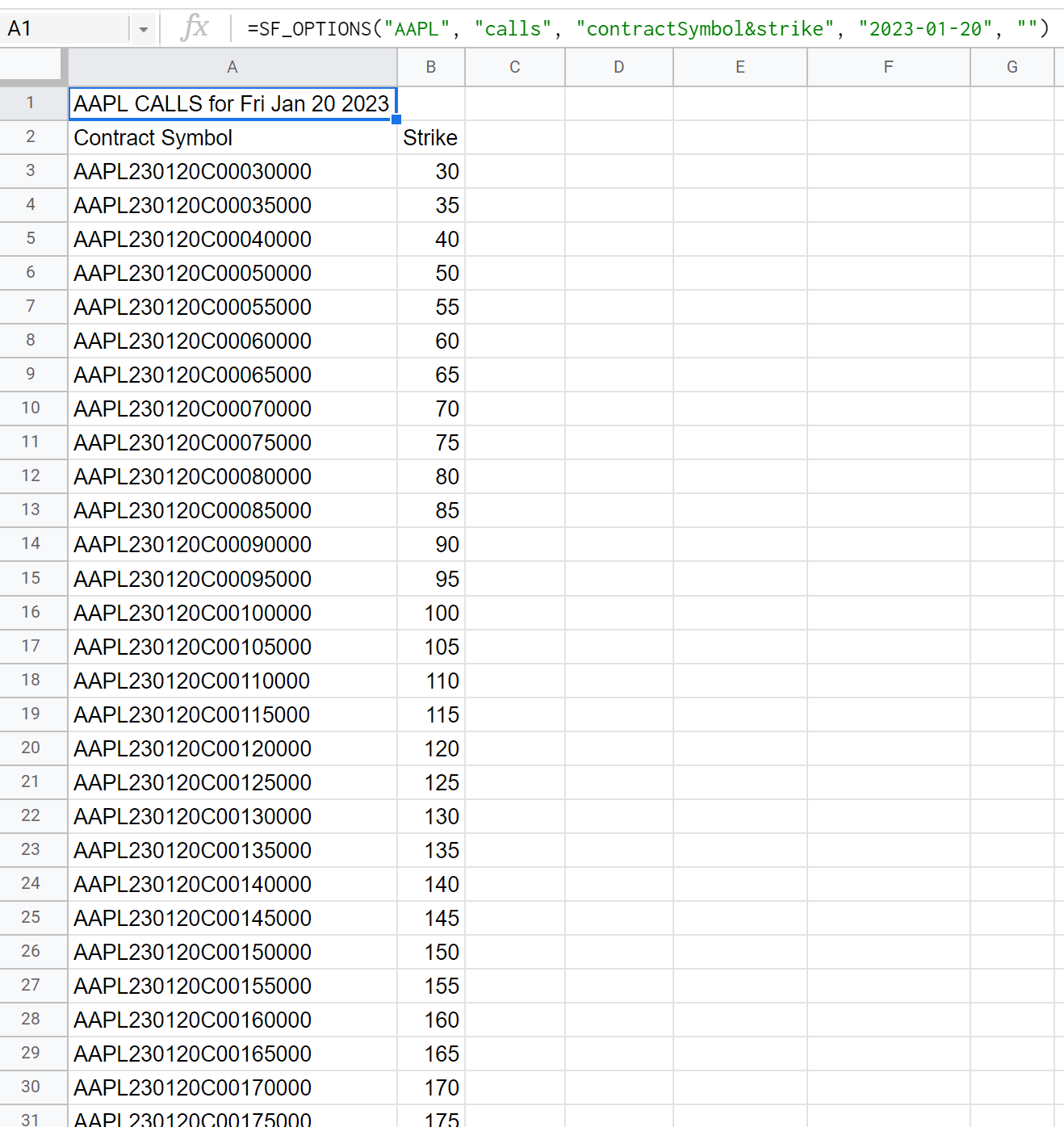
Remove the header
Use "NH" when the formula sits under your own headings.
=SF_OPTIONS("AAPL", "puts", "contractSymbol&strike&value", "2026-12-18", "NH")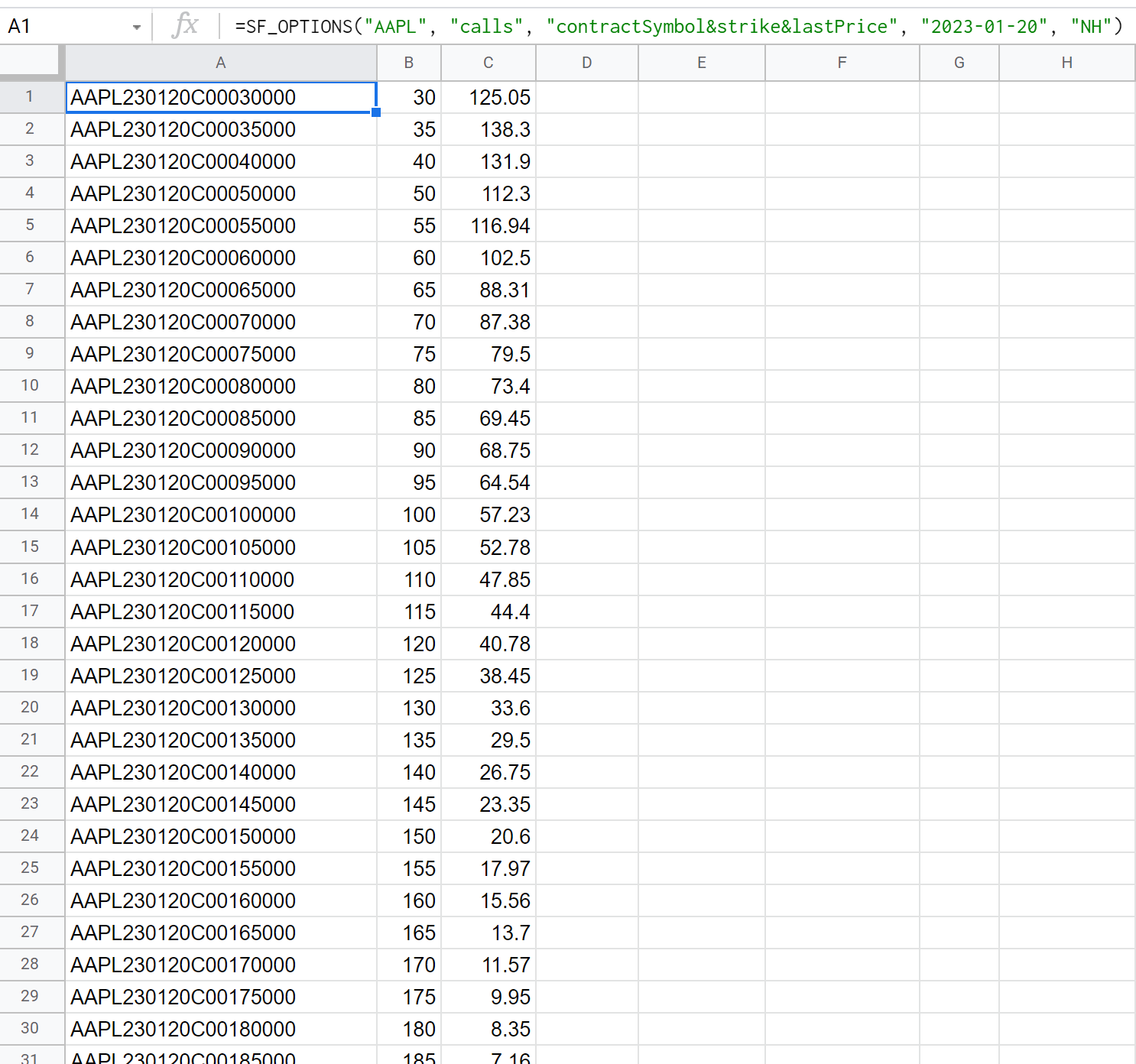
Look up a single contract
Pass a full OCC contract symbol and leave type and expirationDate empty. The contract must not have expired.
=SF_OPTIONS("AAPL261218C00200000")
To return one value, such as the mid price, for a cell in your own model:
=SF_OPTIONS("AAPL261218C00200000", "", "mid", "", "NH")When to use SF_OPTIONS_PRO instead
Use SF_OPTIONS_PRO() on Options Pro when you need anything beyond today's chain:
chains and expiration dates from any past trading day, including expired contracts;
contract and strike time series across a date range;
IV term structure, IV rank and their history;
volatility surfaces and surface forecasts;
earnings analytics.
If you call a Pro data type from SF_OPTIONS(), such as "ivRank", the error shows the matching SF_OPTIONS_PRO() formula. Compare the plans on the options pricing page.