Pre/Post Market Batch
🇺🇸 Important: Pre/Post market data is only available for US markets.
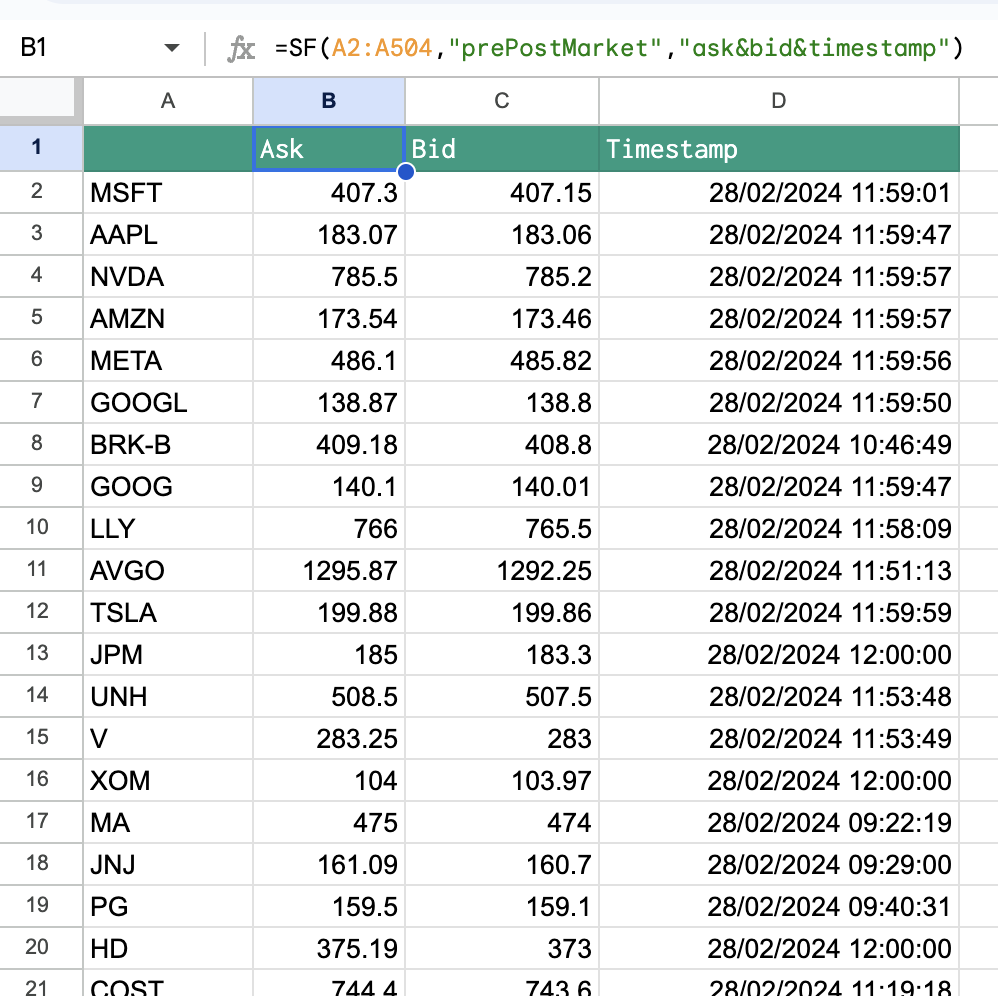
The prePostMarket can also be used in a batch format to access multiple stocks at the same time. Use this to track pre and post market movements of hundreds to thousands of stocks at the same time.
=SF(<range>, "prePostMarket", metrics, "", options)<range>is a range of cells e.g.A1:A100. You can use our Symbol Search to find the correct ticker symbols.metricsis the specific data you're after for example"ask"or"ask&bid×tamp". You can leave this blank or set it to"all"to output ALL available data. You can also chain together multiple ratios using the&operator, for example"ask&bid". See the list of available metrics below.optionsadjusts the formatting of the output. There is only one available option forprePostMarket. Set this field to"NH"for no header rows.
HOT TIPS:
Use the options parameter to remove the header row.
IMPORTANT: Pre and post market data is currently only available for US equities.
The prePostMarket data type has the following metrics to select from:
Ask (
"ask")Bid (
"bid")Ask Size (
"askSize")Bid Size (
"bidSize")Timestamp (
"timestamp")
Examples
Example 1 - Batch all metrics
=SF(A1:A30, "prePostMarket")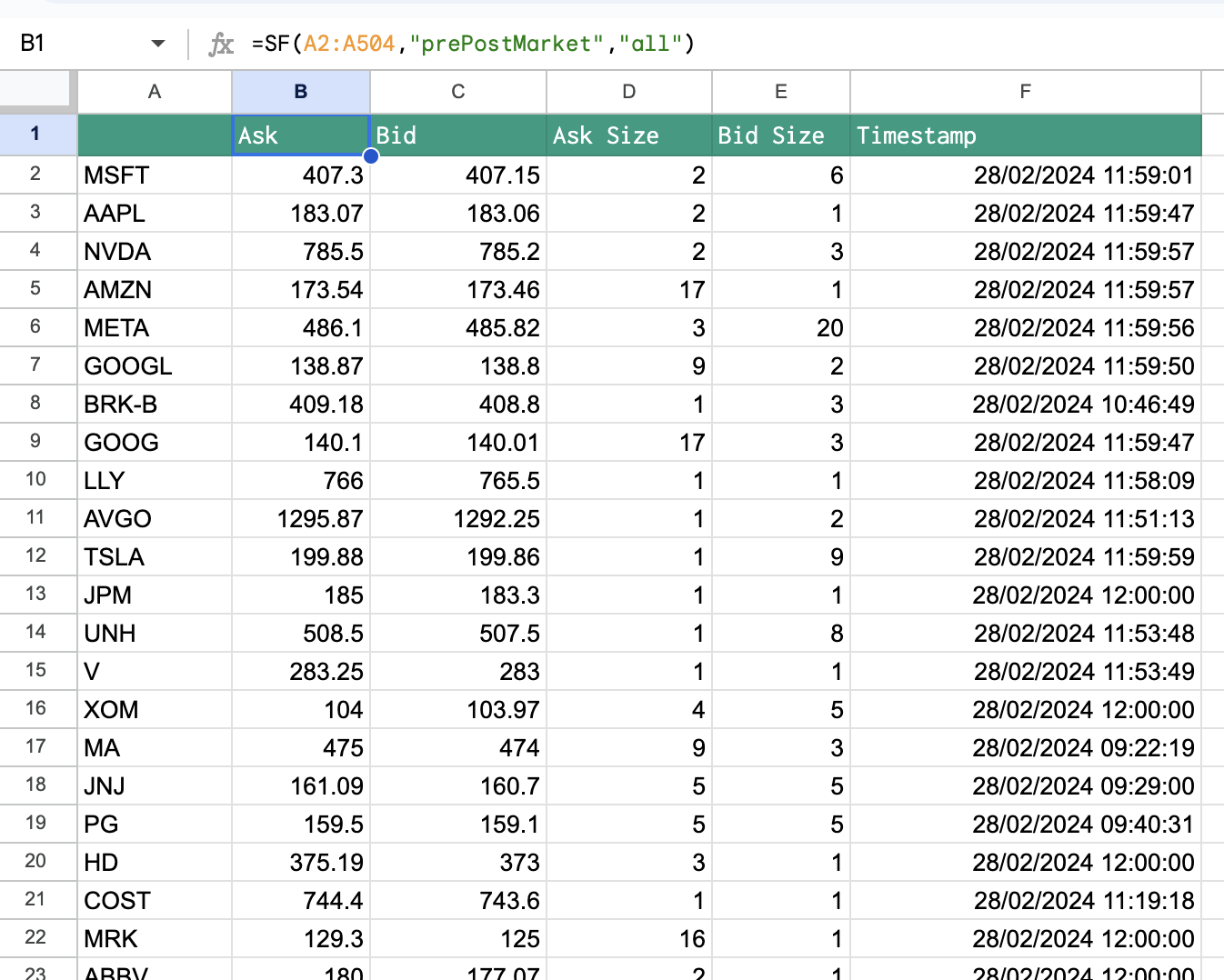
Example 2 - Batch specific metrics
=SF("AAPL", "prePostMarket", "ask&bid×tamp")