
Pre-built Templates
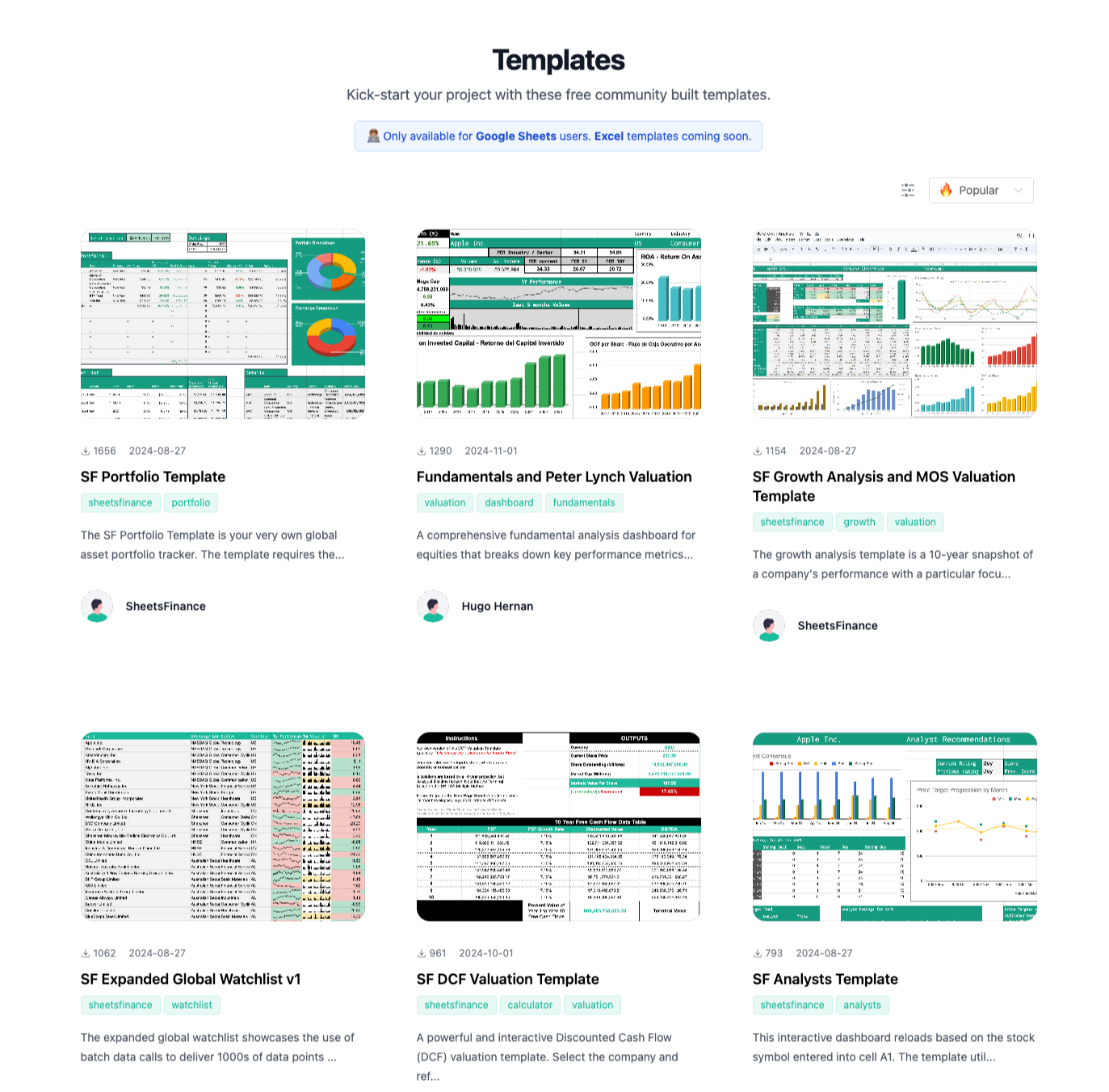
Pre-built templates help you get started quickly with SheetsFinance. Browse the full library on the Templates Page.
To use a template:
Pre-built templates currently support Google Sheets only. Install the SheetsFinance add-on in Google Sheets; Excel users can use the layouts as blueprints until Excel templates are available.
Open a template on the Templates Page and click File > Make a copy in Google Sheets to create your own version.
Replace the example ticker codes with your own. The sheet will load data automatically.
Templates are provided as-is for informational purposes only and do not constitute financial advice.
Was this helpful?
Was this helpful?